

Cyberattacks Linked to Data Leaks on the Rise
According to the latest Microsoft Digital Defense Report, Portugal ranked 12th among the most targeted regions in Europe during the first half of the year, accounting for about 2.4% of affected customers. Globally, Portugal appeared in 32nd place.
Nearly all of the attacks are tied to data leaks that allow criminals to decode passwords and access sensitive information for financial gain. These growing threats come as smartphones, tablets, and connected devices are used more intensively — each potentially vulnerable to unauthorized access if basic precautions are not taken.
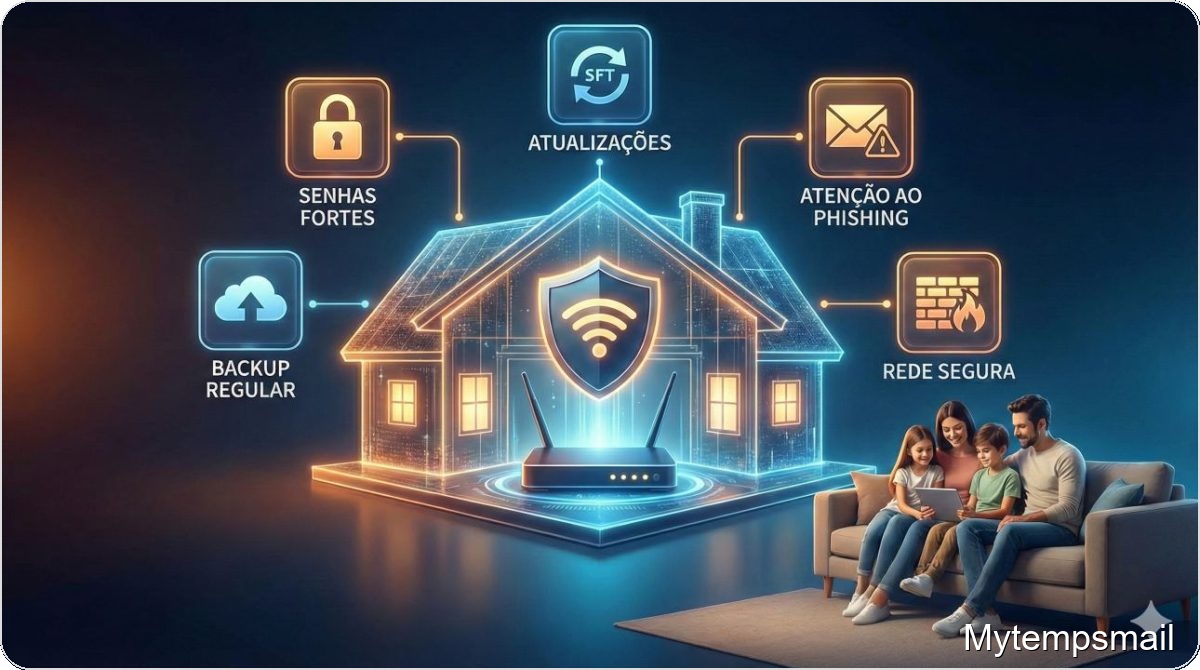
Five Practical Steps to Protect Your Devices
SPC, a European company specializing in consumer electronics, says protecting devices is simpler than it seems and offers five recommendations to use technology more safely.
1. Keep devices updated
Updates do more than add features; they include security fixes that patch vulnerabilities and help prevent unauthorized access. Checking for updates is straightforward: on smartphones and tablets, go to system settings and open the software update section.
For apps, periodically check the device’s official app store for available updates to ensure every app has the latest security improvements.
2. Review app permissions
Over time, many apps collect permissions they do not actually need. It is common for apps to request access to location, camera, microphone, or contacts even when not essential, exposing more data than necessary. Reviewing app permissions in device settings helps control what each app can access and restricts access to what’s essential, a simple way to boost privacy and reduce risk.
3. Be cautious on public networks
Open Wi-Fi networks in cafes, stations, or shopping centers do not always offer adequate security for devices and personal data. Modern phones and tablets can detect public networks, but detection does not evaluate whether a network is secure. On Android devices, you can disable automatic Wi-Fi network detection in the Wi‑Fi settings under Network Preferences.
4. Enable built-in protections and back up data
Many devices include background protection tools that help identify suspicious behavior, scan apps, or issue alerts — for example, Google Play Protect. Making sure these features are enabled adds a layer of security without installing third-party software.
Regular backups, whether to the cloud or external drives, ensure critical information remains protected in case of loss or technical failure.
5. Promote good security habits for children and older adults
Digital protection also means supporting those most vulnerable to online risks.
For children, it is crucial to teach safe digital habits early: spot suspicious content, avoid downloads from unverified sources, and never share personal data online.
Older adults can feel unsure about some technologies. One common problem is receiving fraudulent calls from unknown numbers. Tools like the free SPC Care app can make life easier for senior users by allowing family members or caregivers to manage aspects of the device remotely, including the contacts list.
Options to add, remove, or edit contacts help educate seniors to answer only trusted contacts. Caregivers can even save suspicious numbers with labels like “DO NOT ANSWER” or “SCAM.” These measures strengthen digital independence and give families and caregivers greater peace of mind.
